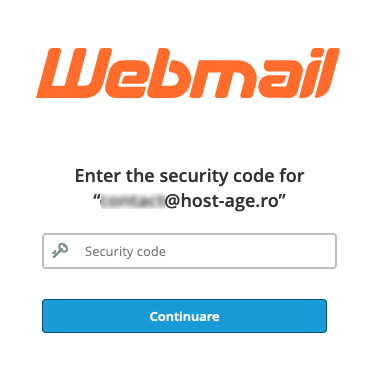
Two-factor authentication (2FA) is much more secure than password-only authentication. Users will need to install an app and use it every time they log in to Webmail.
To secure your email account, you can enable two-factor authentication (2FA) from Webmail using the free Google Authenticator app available for iOS and Android.
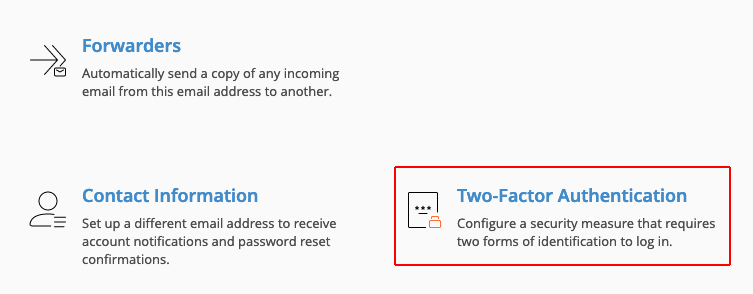
First, log in to Webmail and click the Two-Factor Authentication button.
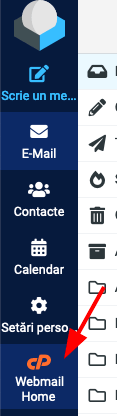
If when accessing Webmail you are redirected to the email account, click Webmail Home to reach the account settings page.
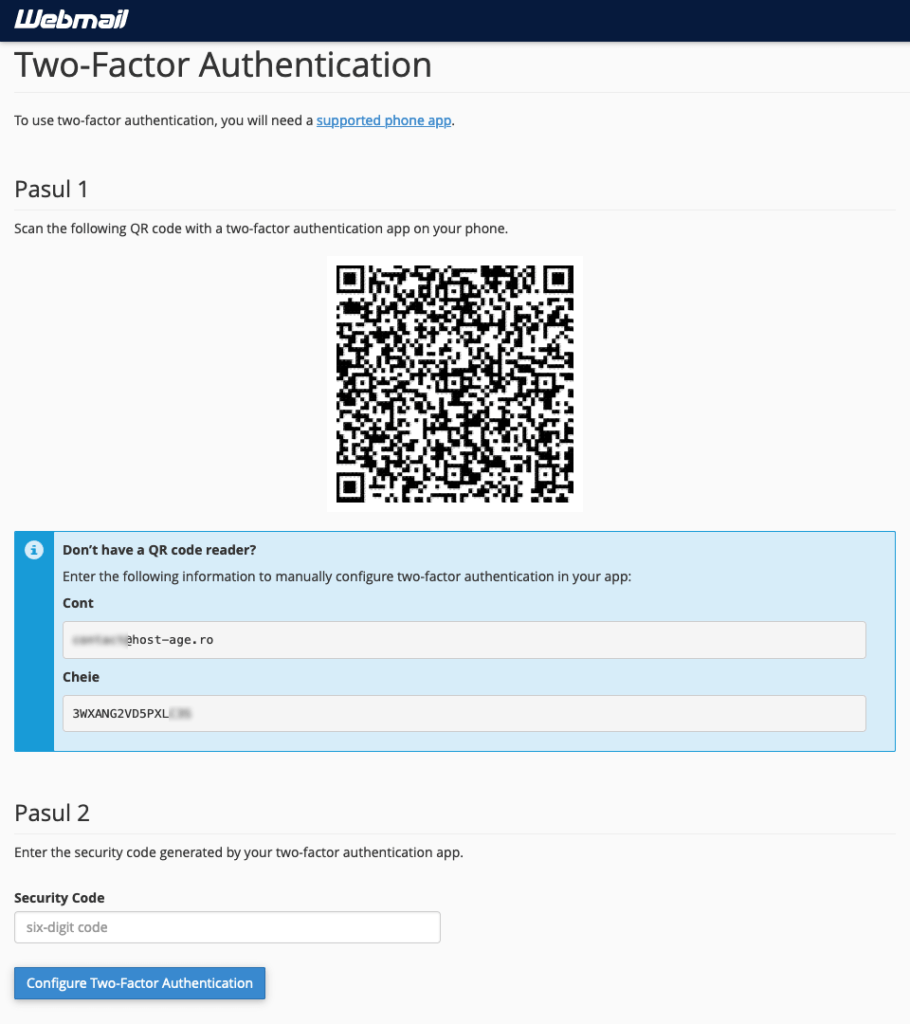
On this page, click the Set Up Two-Factor Authentication button.

Open the Google Authenticator app on your phone, scan the QR code on the screen, and the app will generate a six-digit code that you need to enter at Step 2 in the Security Code field.
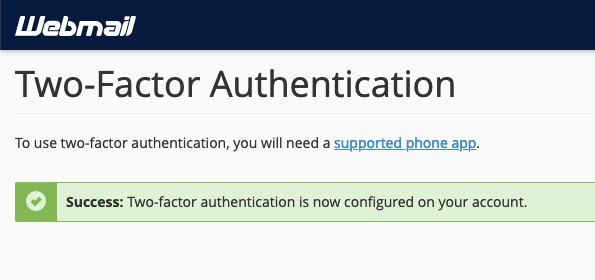
After successfully setting up 2FA, you will see the following message.
From now on, when accessing Webmail, you will be asked to enter the six-digit code generated by the Google Authenticator app.