
You can change the billing period for a web hosting, VPS, or dedicated server account anytime. To do this, follow these steps:
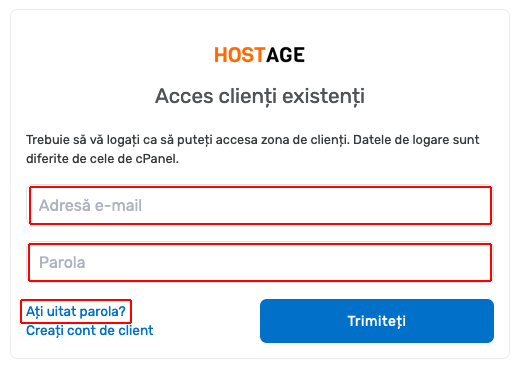
1. Access the client area at https://my.host-age.ro and log in with your client credentials. If you forgot your password, there is a link to reset it.
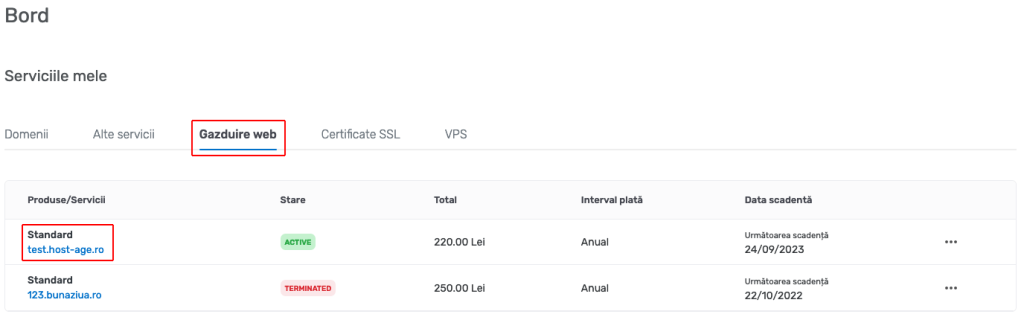
2. After logging in, click on Web Hosting, VPS, or Dedicated Server, then select the package for which you want to change the billing period.
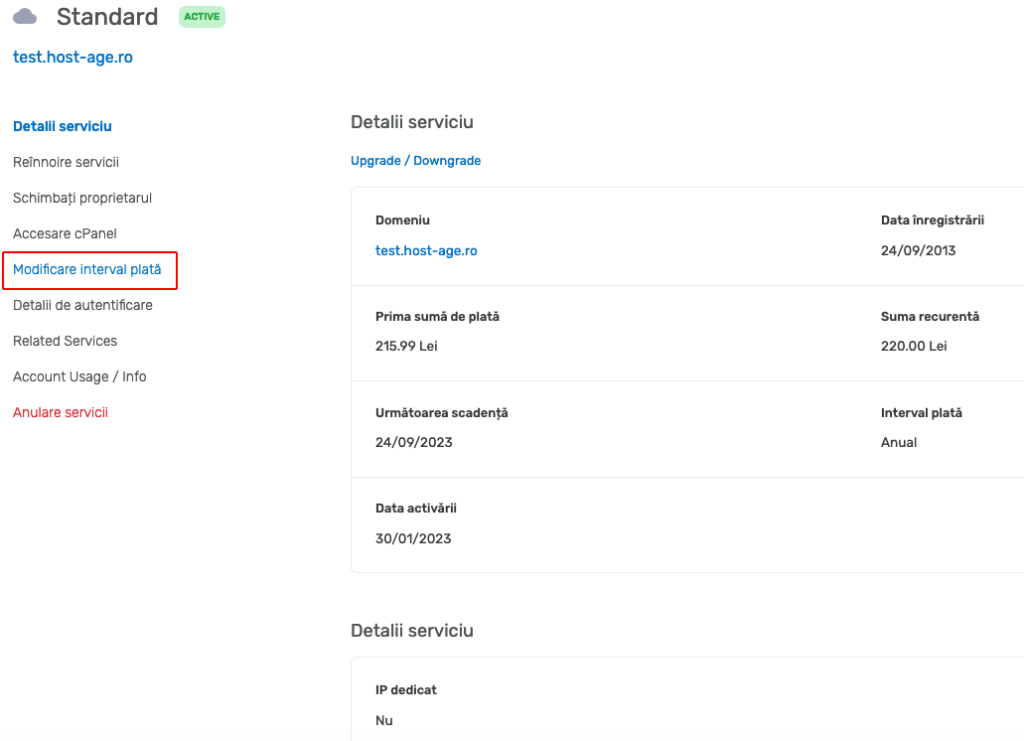
3. On the next page, you can see the details of the selected package (Web Hosting in the example above). Click the link “Change Payment Interval” in the left menu.
4. On this page, you can choose the desired new payment interval. We recommend annual payment as it is the most cost-effective option. After selecting the new payment interval, click the “Change Payment Interval” button.
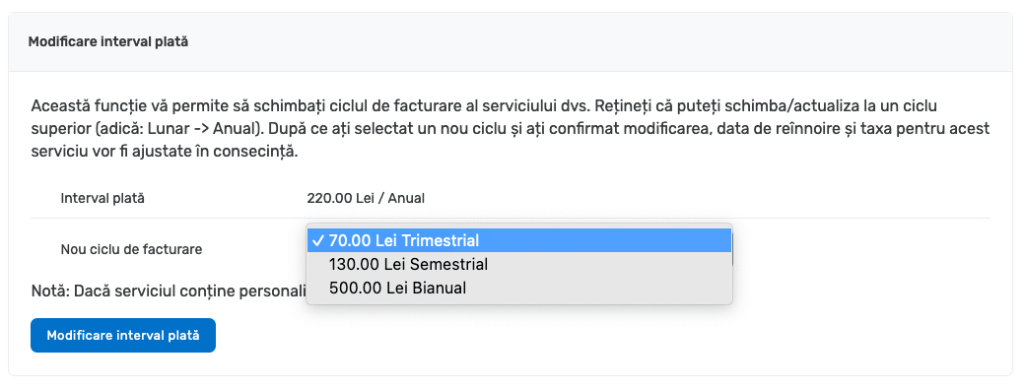
Starting with the next invoice (15 days before the hosting account expiration date), the billing period will be the one you selected.