
If you want to update your personal or company details associated with your client account, follow the steps below:
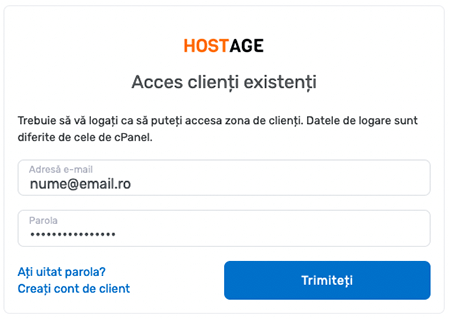
1. Go to the page https://my.host-age.ro/clientarea
2. Enter your login details (email + password) to log into your client account. If you have forgotten your password, there is a reset link on this page.
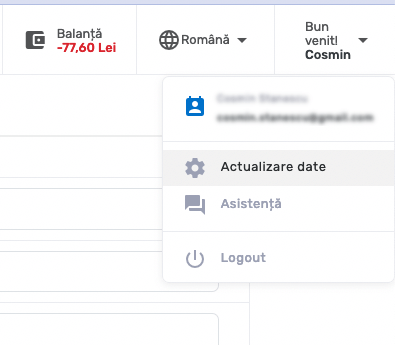
3. After logging in, click the Welcome button in the top-right corner.
4. On the new page, make the desired changes and then press the Save Changes button.
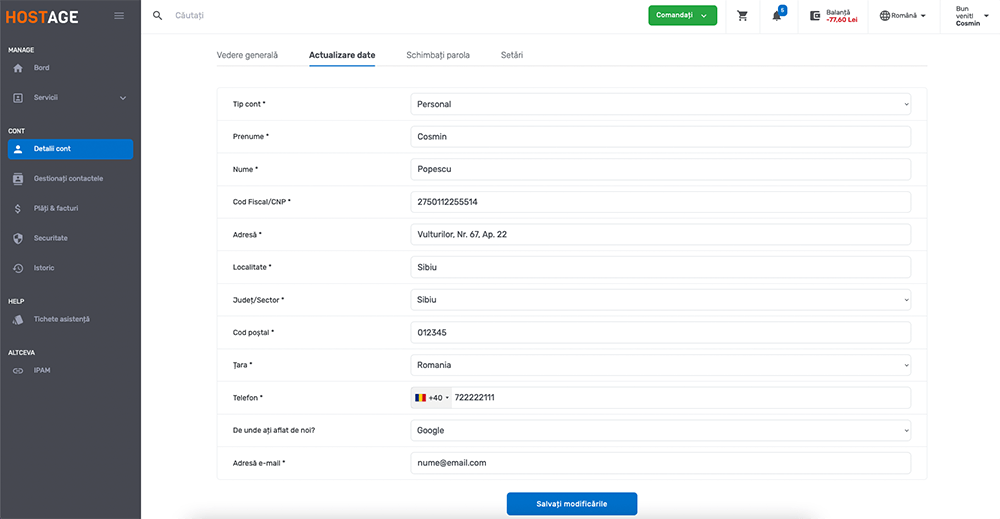
Note: If you want the last already generated invoice to be issued with the new client data you entered, you will need to open a ticket for this purpose.