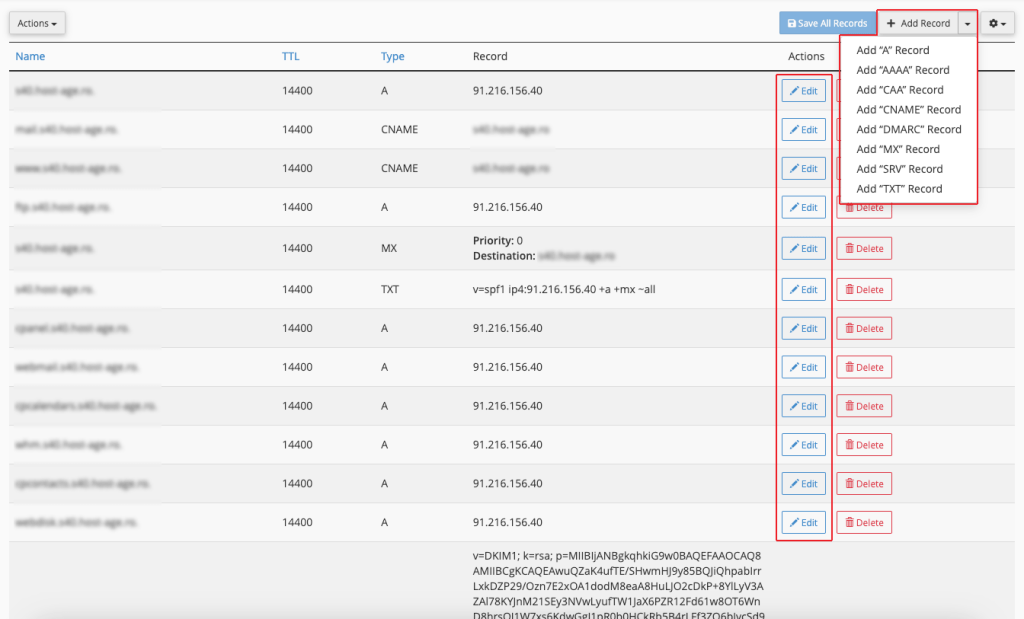
To edit the DNS zone of a domain, follow the steps described below.
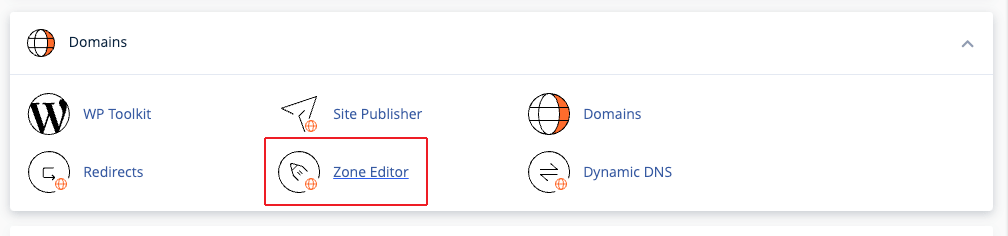
After logging into cPanel, look for the Zone Editor button.
In the newly opened page, click the Manage button next to the desired domain.

On the new page, you can edit DNS records or add a new record.