Changing the PHP Version
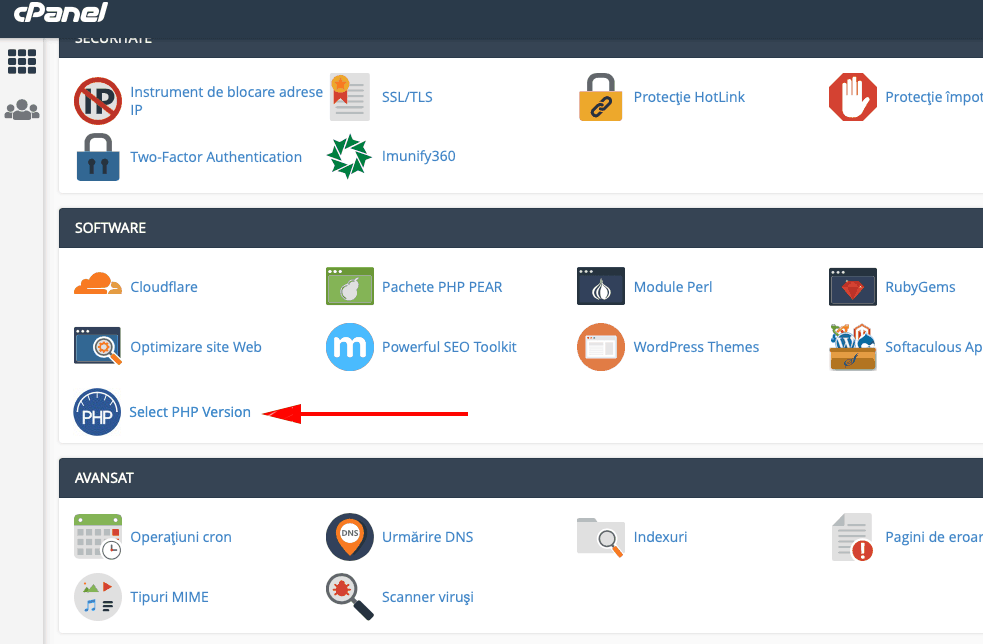
To select the PHP version under which your site will run, you need to access cPanel (www.your-domain.com/cpanel) and then click the “Select Php Version” button as shown in the image below.
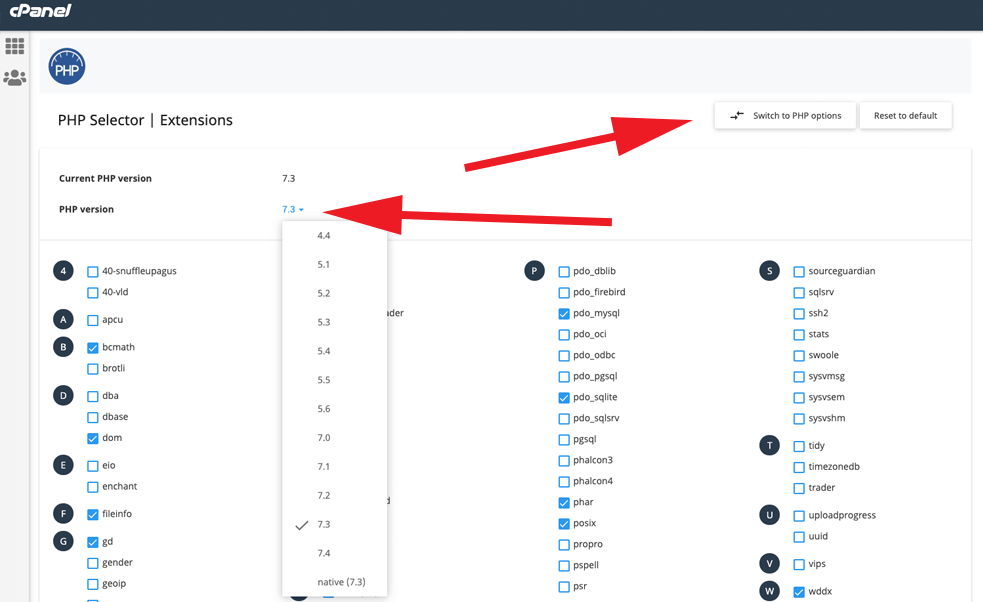
On the next page, select the desired PHP version from the top-left menu, then click “Set as current”. Now you can select the libraries you want to activate. We recommend activating only the necessary libraries and not all of them, as this may cause your site to malfunction. Check if your site works correctly with the new settings.
Changing PHP Settings
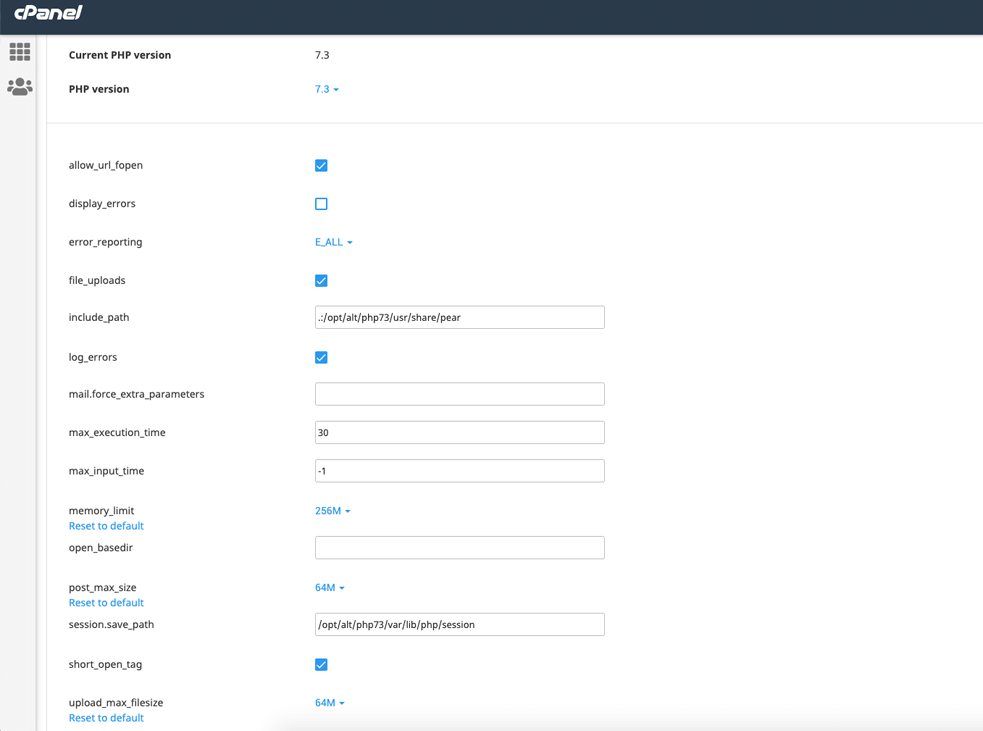
To modify various PHP settings, click “Switch To Php Options” in the top-right (see the image above). Select the desired value for each option (see the image below) and the settings will be applied automatically.